



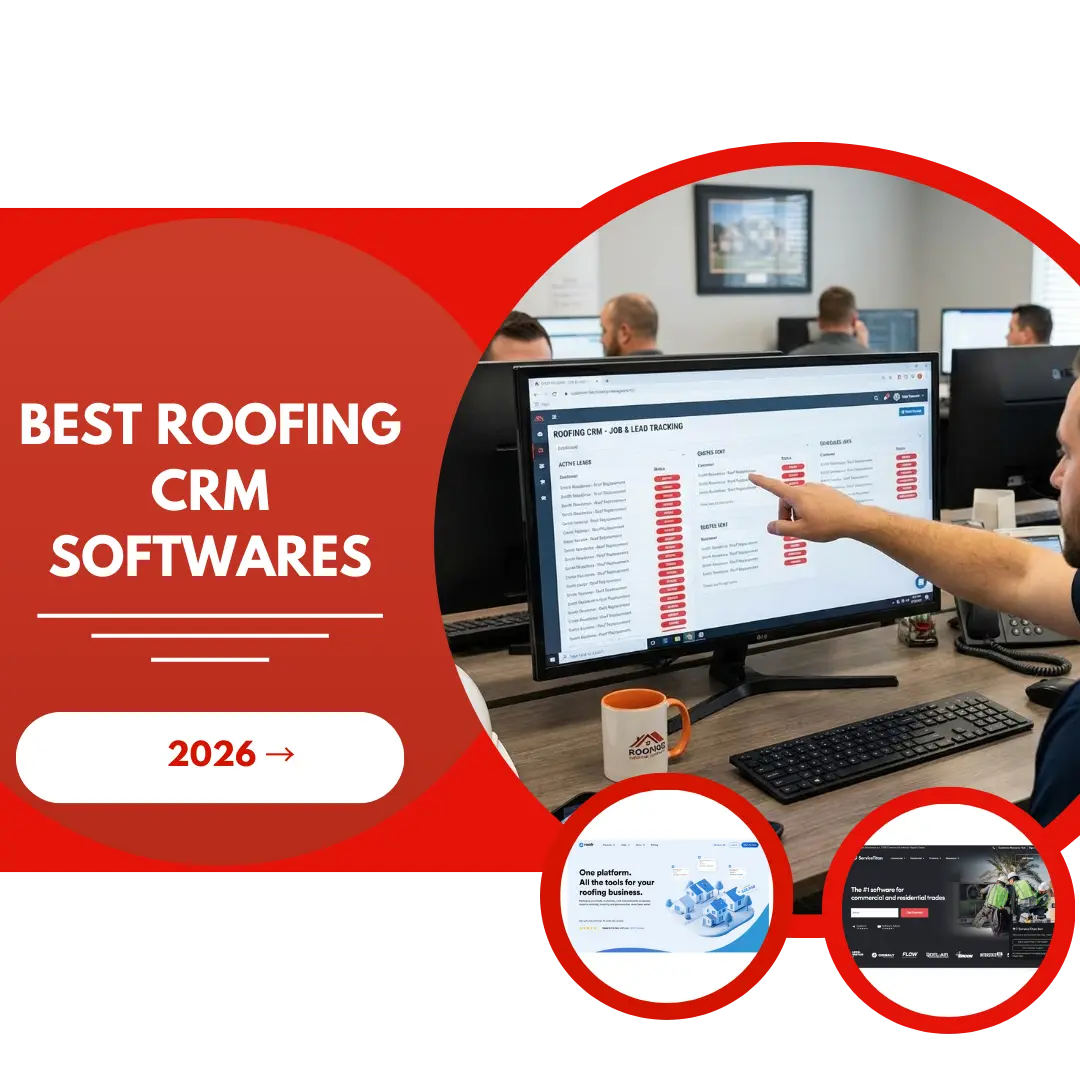
Roofing companies need and use CRM software to track leads, manage estimates, schedule crews, follow up with customers, and even manage roofing digital marketing. Without the right system in place, it's easy for potential jobs to slip away, crews to show up at the wrong site, or follow-ups to get forgotten during busy storm season.
The challenge is that not all CRMs are built with roofers in mind. Generic sales platforms don't account for insurance workflows, material tracking, or the seasonal nature of roofing work.
In this article, I'll break down the top roofing CRM softwares designed specifically for the roofing industry and help you find the right fit for your business.
My Research Methodology for Selecting the Best Roofing CRM Softwares
I’ve spent years working closely with roofers at our roofing seo company, so I know where systems break down in the real world: missed follow-ups, messy handoffs, and tools that look good in demos but fail in daily use. With that in mind, I evaluated the best CRM for roofing companies using the criteria below:
- Roofing-Specific Fit: I prioritized roofing-specific platforms over generic CRMs, trying to adapt. Roofing workflows are unique, and the software needs to reflect that.
- End-to-End Workflow Coverage: I looked for tools that realistically handle the whole journey, from a roofing lead generation and estimate to production and payment, without forcing teams into workarounds.
- Ease of Adoption: If a system takes months to figure out, it slows growth. I favored platforms that teams can actually use, not just admire.
- Multi-Channel Marketing Tracking: I looked for CRMs that can track and attribute leads across Google Ads, Facebook Ads for roofers, referrals, and call tracking.
- Real-World Results & Reviews: I weighed honest user feedback heavily, focusing on consistency, support quality, and how the software performs under pressure.
- Pricing vs. Value: Finally, I compared cost against impact, because ROI matters more than feature lists.
- Franchise & Multi-Location Scalability: For roofing franchises or companies planning to expand, I prioritized systems that support multi-location management.
Best CRM for Roofing Companies: Breakdown and Comparison Table
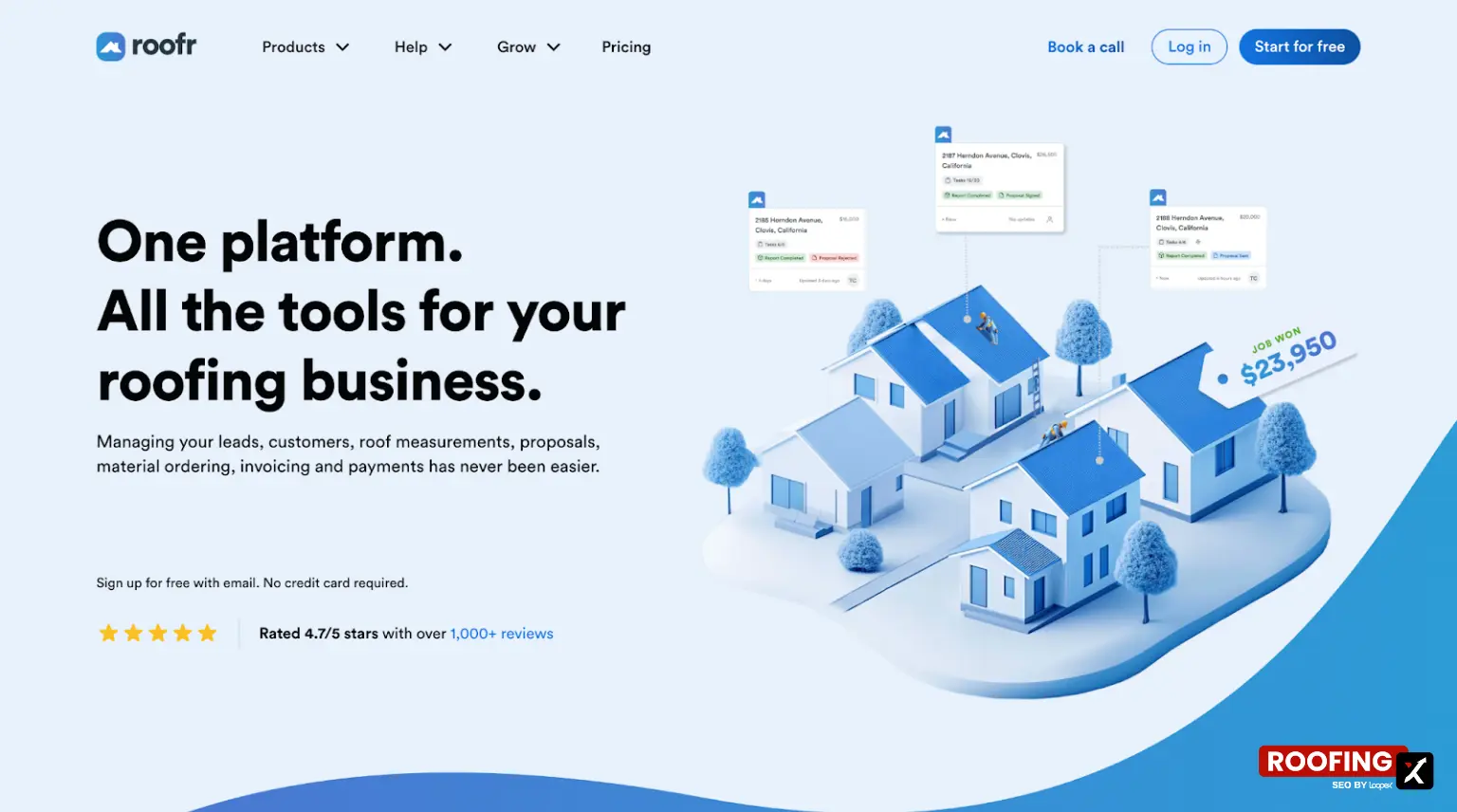
1. Roofr - Best for Instant Estimating
- Founding Year: 2015
- Headquartered in: San Francisco, California, USA
- Number of Integrations: 12+ (Quickbooks integrations coming soon)
- Starting Price: $19 per measurement (Pay-As-You-Go) or $99/month (Pro)
- G2 Rating: 4.9/5 (37 reviews)
Best for: Small to mid-size roofing companies that want a roofing-only system to manage leads, estimates, proposals, materials, and payments in one place, without duct-taping multiple apps together.
Main CRM Functions/Products
- Instant Estimator for Sales
- Measurements Proposals
- Production & Material Ordering
- Invoicing & Payments
- Job Tracking & Management
- Job Assignment & User Permissions
- Task & Communications Automations
- Communications, including Calendar, Email, and Texting
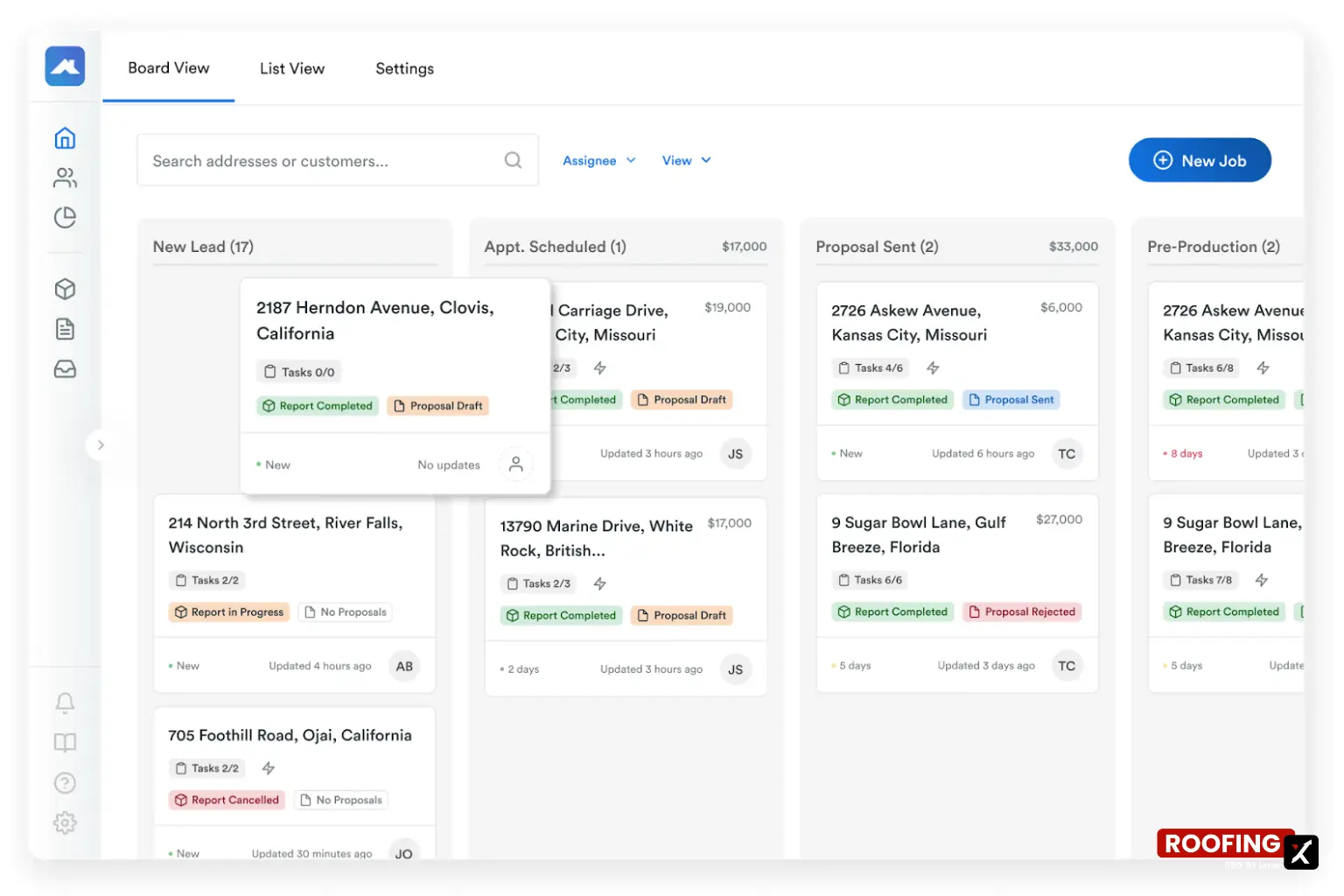
Roofr CRM Interface
Ease of Use & Documentation
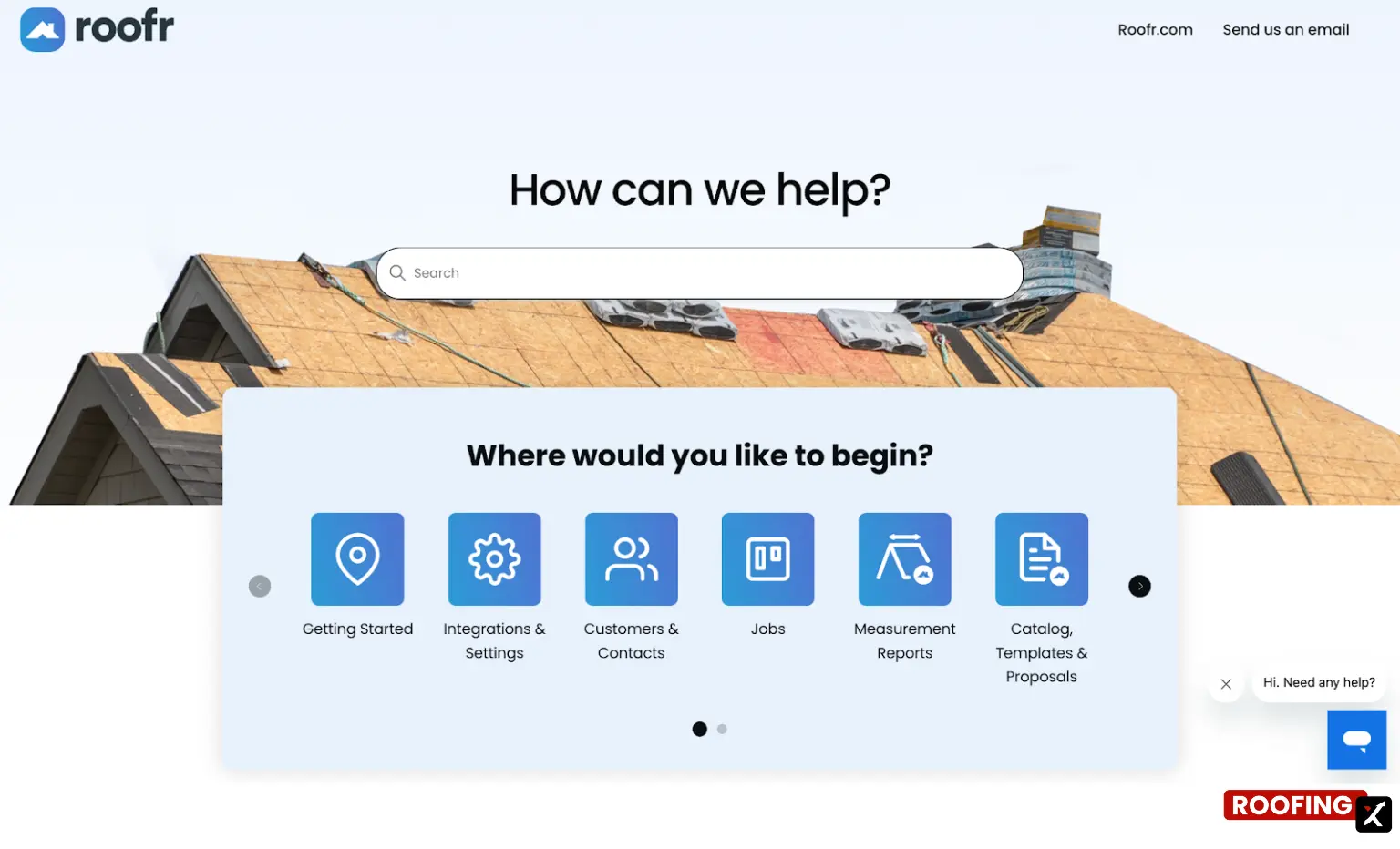
Roofr is designed for quick adoption. The job board, proposal builder, and automations feel intuitive, and their implementation team helps set up materials, templates, and workflows so you’re not stuck figuring them out on your own. If you want to check it all out beforehand, they have public guides covering all the functionality.
Summary of Real User Reviews
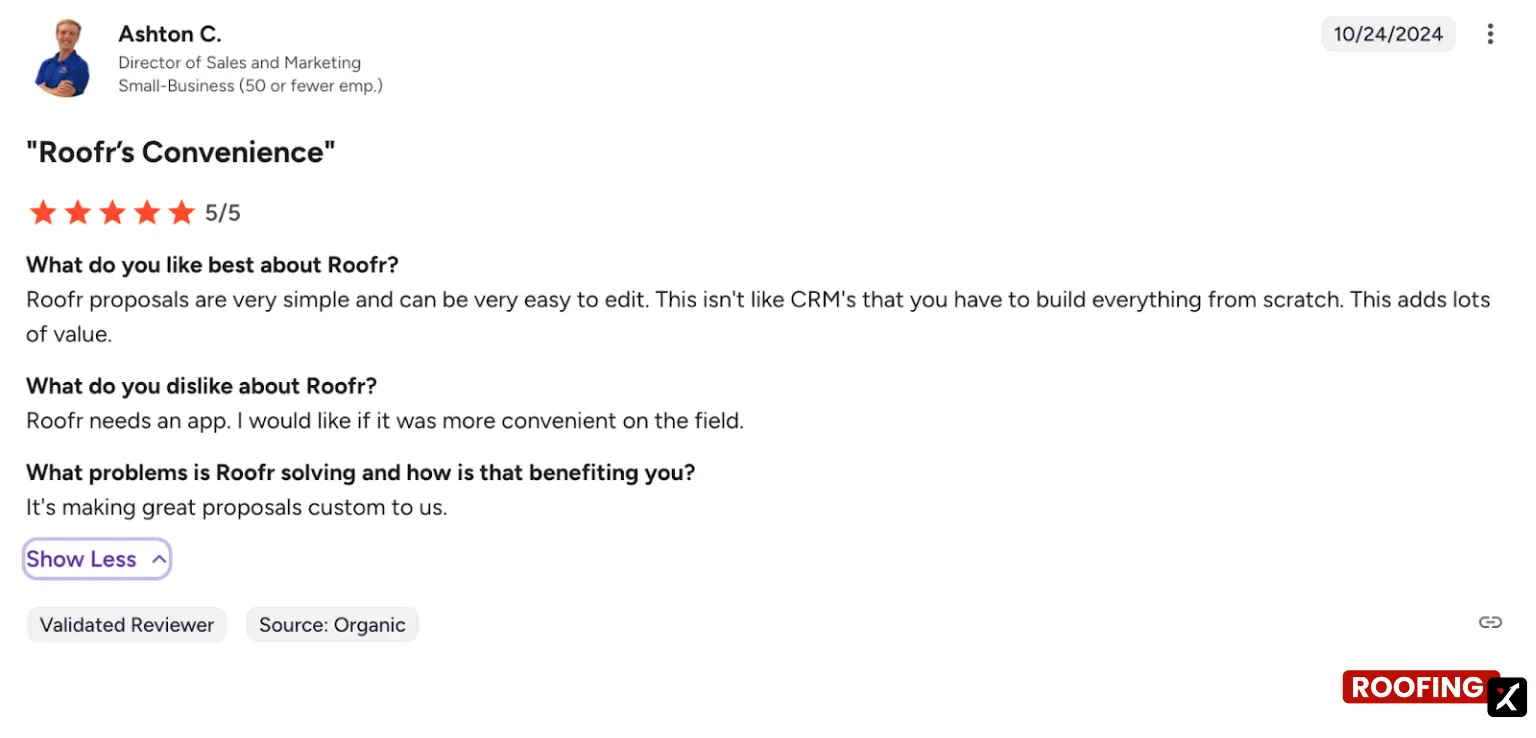
Users consistently praise Roofr for accurate, fast measurement reports, clean proposal templates, and an all-in-one workflow that keeps jobs organized. Support gets high marks for responsiveness. Downsides are mostly trade-offs on the growing platform. Some beta features can be glitchy, automations and SMS are limited on lower plans, and a few integrations (like SRS pricing) can be inconsistent.
Pricing
Roofr offers both usage-based and subscription pricing, which is rare and useful, depending on how you run your business.
2. ServiceTitan - Best for Field Operations
- Founding Year: 2007
- Headquartered in: Los Angeles, California, USA
- Number of Integrations: 61+
- Starting Price: Request pricing (no public plans)
- G2 Rating: 4.5/5 (339 reviews)
Best for: Large or fast-growing roofing companies that need advanced reporting, job costing, marketing analytics, and centralized control across multiple crews, locations, or trades, and are ready to invest time and money into a powerful system.
Main CRM Functions/Products
- Pipeline Management
- Opportunity Tracking
- Activity Logging
- Task management
- Convex Integration
- Sales Plays
- Connected Quoting
- Reporting
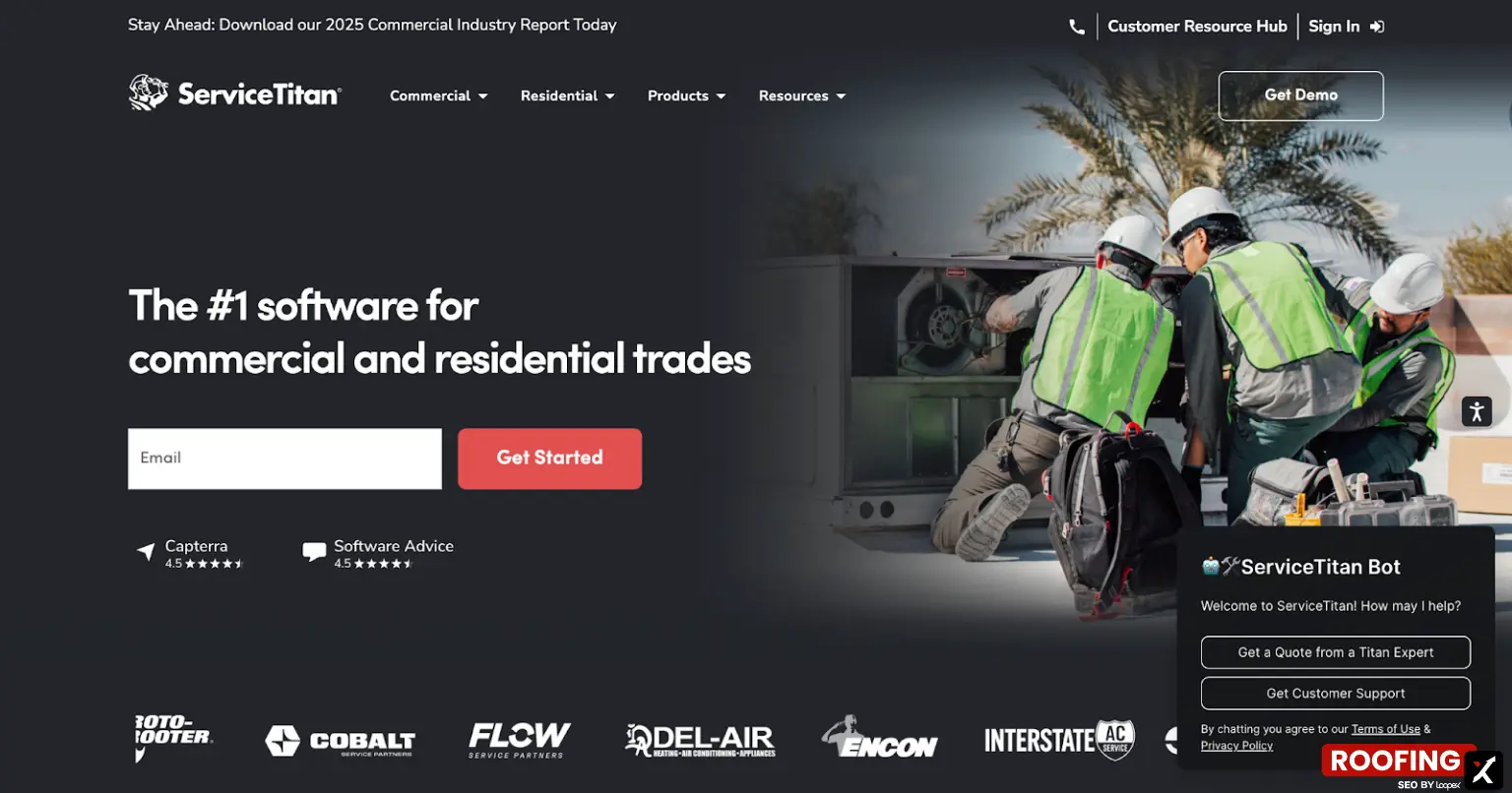
ServiceTitan CRM Interface

Ease of Use & Documentation
The interface is polished, and the mobile app is strong, but this is a feature-heavy system. Expect a real onboarding period. Configuration takes time, and teams usually need structured training before everything clicks.
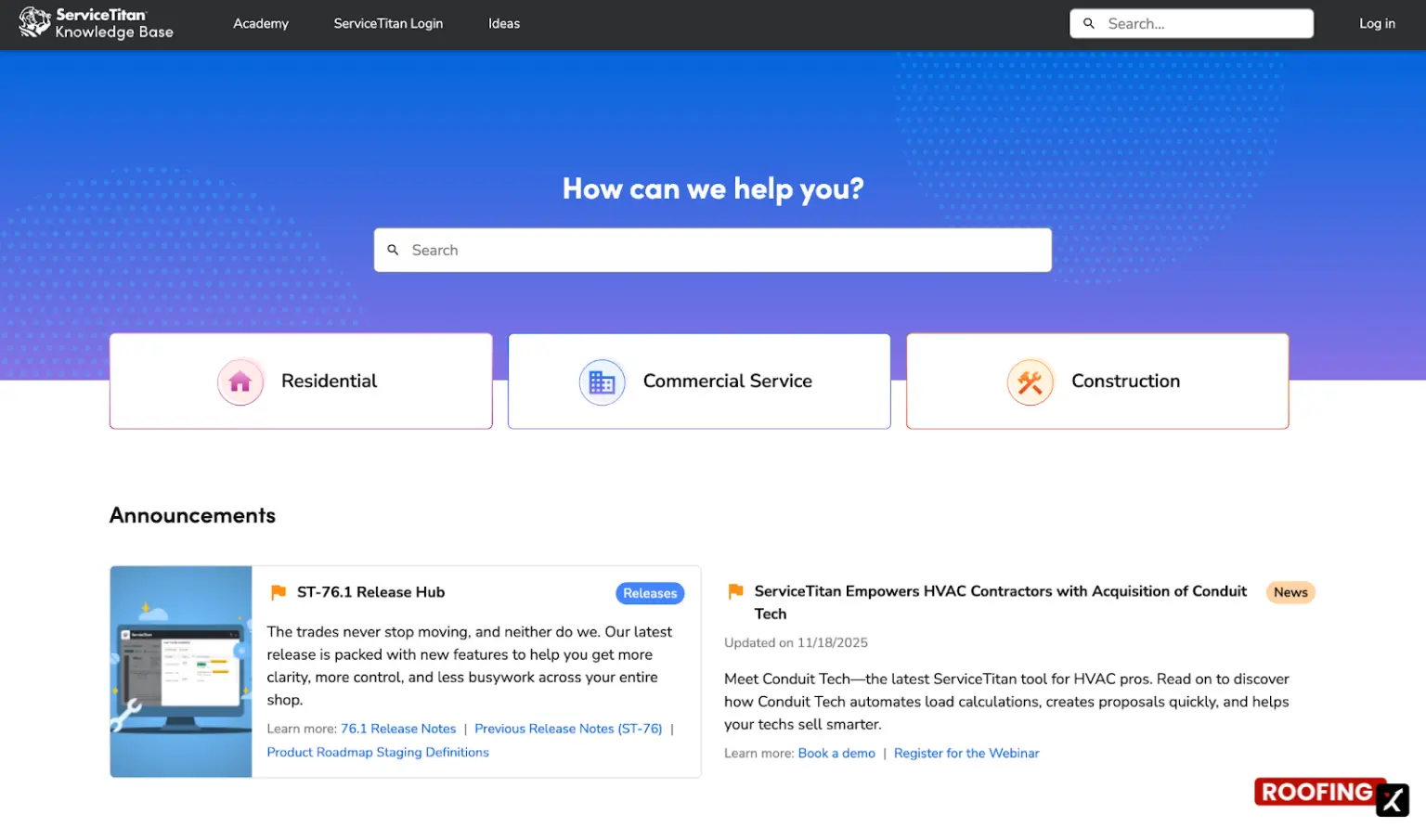
They have a ServiceTitan Knowledge Base, where you can find information and documentation on all products and features, as well as updates, announcements, and guides.
Summary of Real User Reviews
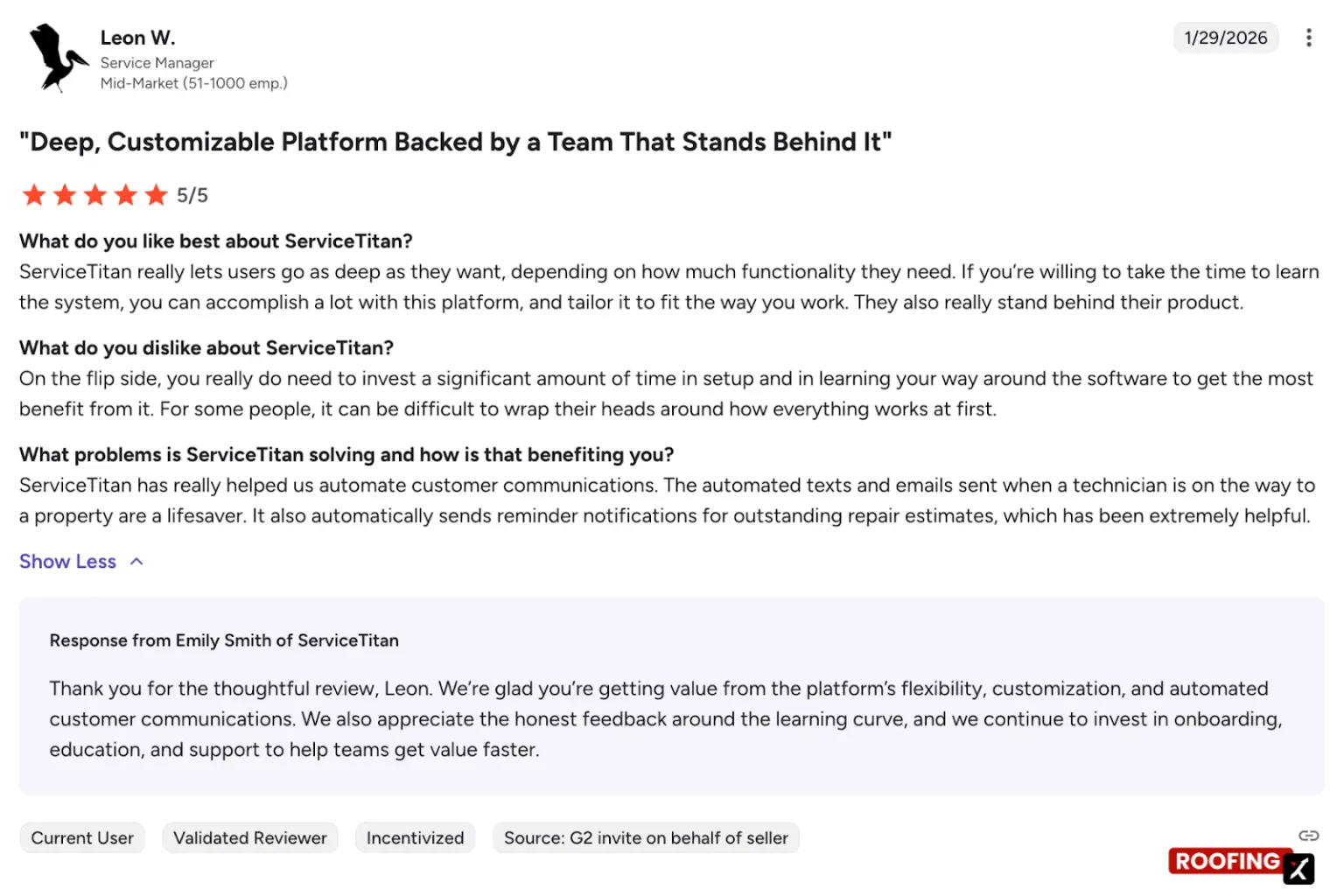
Users consistently praise ServiceTitan for visibility: dashboards, call tracking, job history, and strong mobile workflows for field techs. Many say it brings order to complex operations. Criticism focuses on the learning curve, extra steps in daily workflows, and cumbersome areas such as inventory or accounting. Integrations, especially with QuickBooks, can be tedious, and support experiences can vary after onboarding.
Pricing
Pricing is not publicly listed and is provided per request, typically based on company size, trade mix, and feature needs.
What users commonly report:
- Implementation time: ~3 months
- Average ROI timeline: ~15 months
- Perceived cost: Premium / higher-end FSM platform
- Discounts: Around 9% on average
Plans generally scale from Starter to Essentials to The Works, with each tier adding deeper reporting, payroll configuration, and enterprise-level controls for high-volume operations.
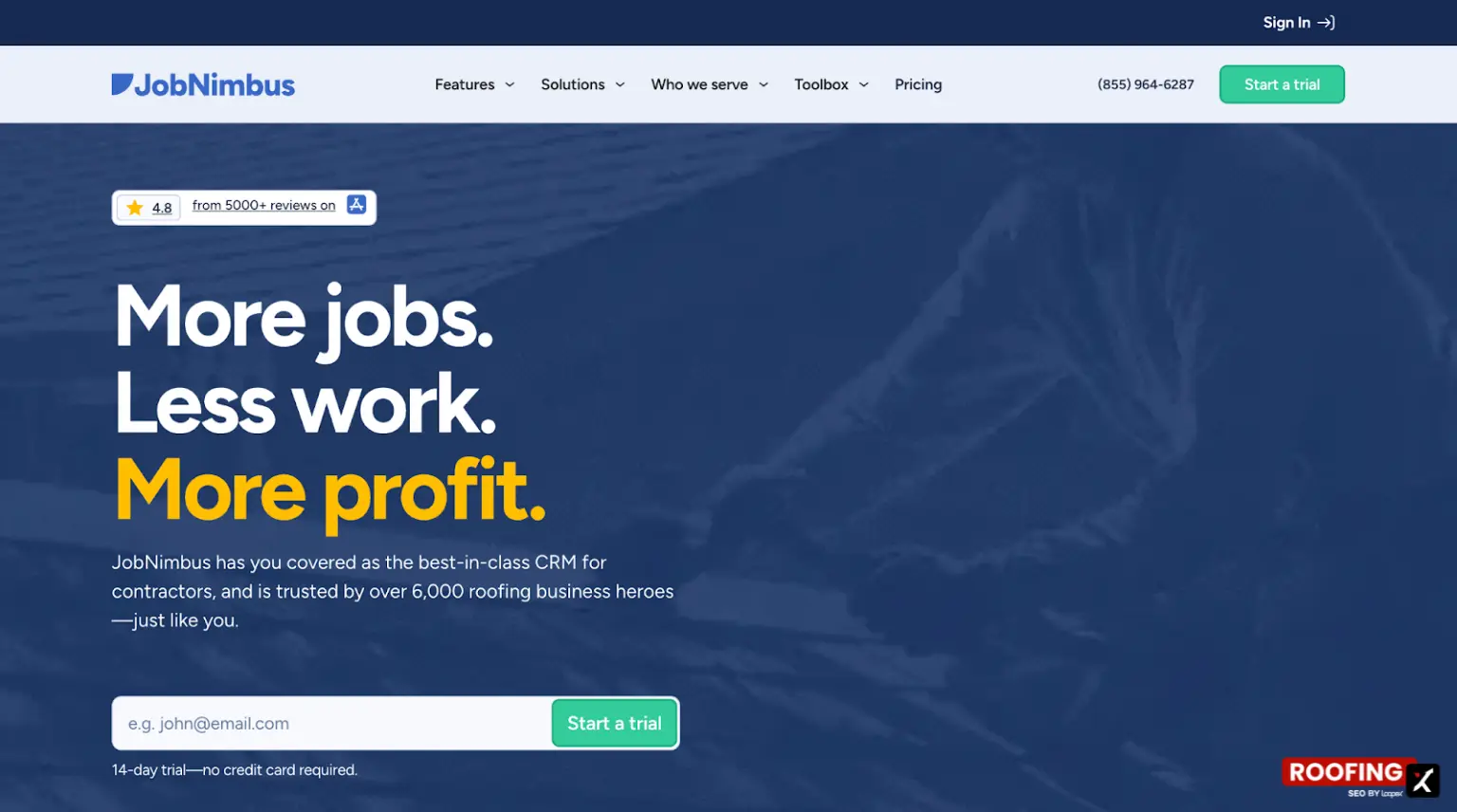
3. JobNimbus - Best for Workflow Management
- Founding Year: 2013
- Headquartered in: Lehi, Utah, USA
- Number of Integrations: 25+
- Starting Price: Request pricing (14-day free trial available)
- G2 Rating: 4.7/5 (68 reviews)
Best for: Small to mid-size roofing contractors and growing teams that want a customizable, roofing-friendly CRM with strong integrations, without committing to a whole enterprise field service platform.
Main CRM Functions/Products
- Billing & Payments
- QuickBooks Integration
- Customer Communication
- Job Management
- Sales & Lead Tracking
- Estimating & Proposals
- Work Orders & Material Management
- Insights & Reporting
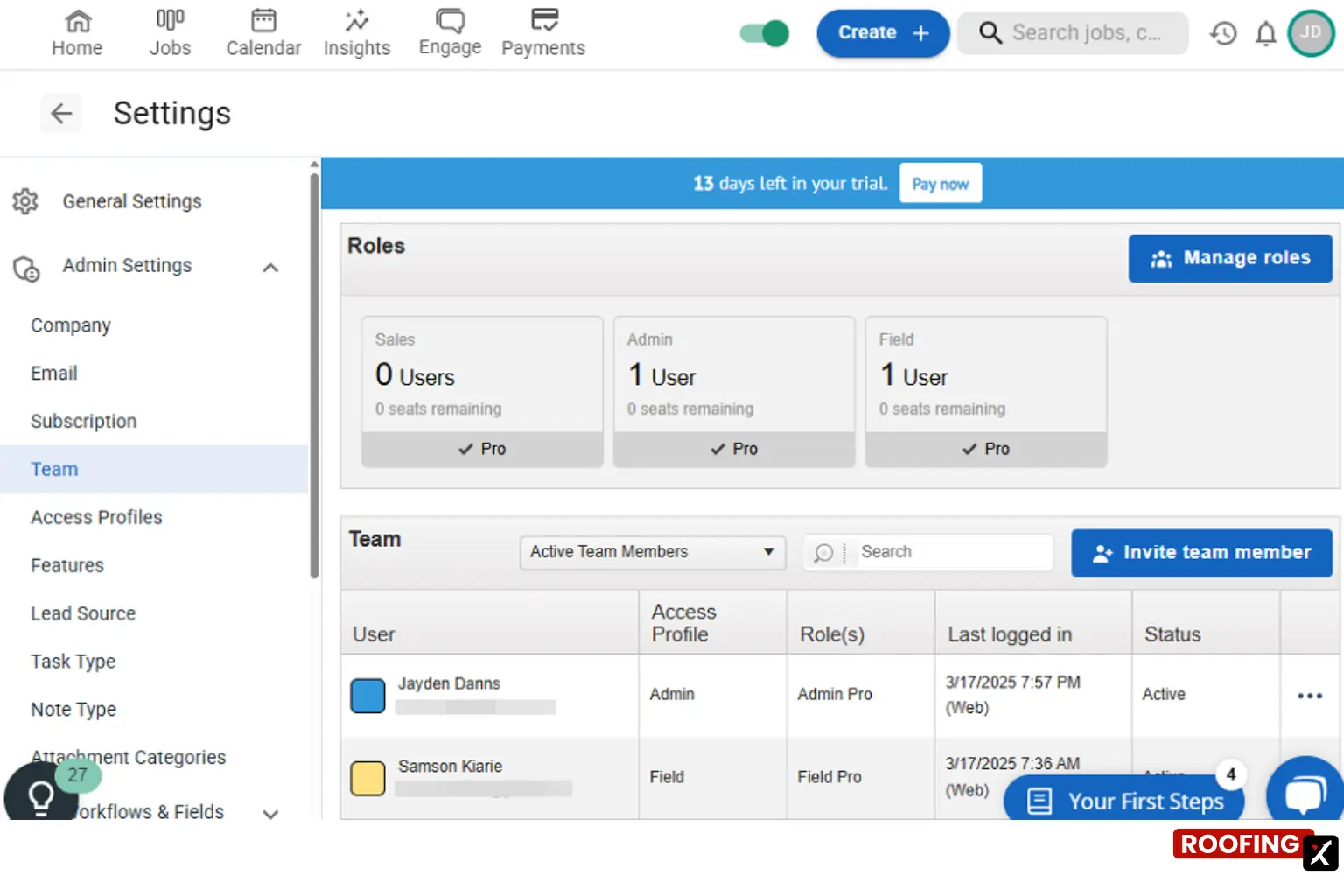
JobNimbus CRM Interface
Ease of Use & Documentation
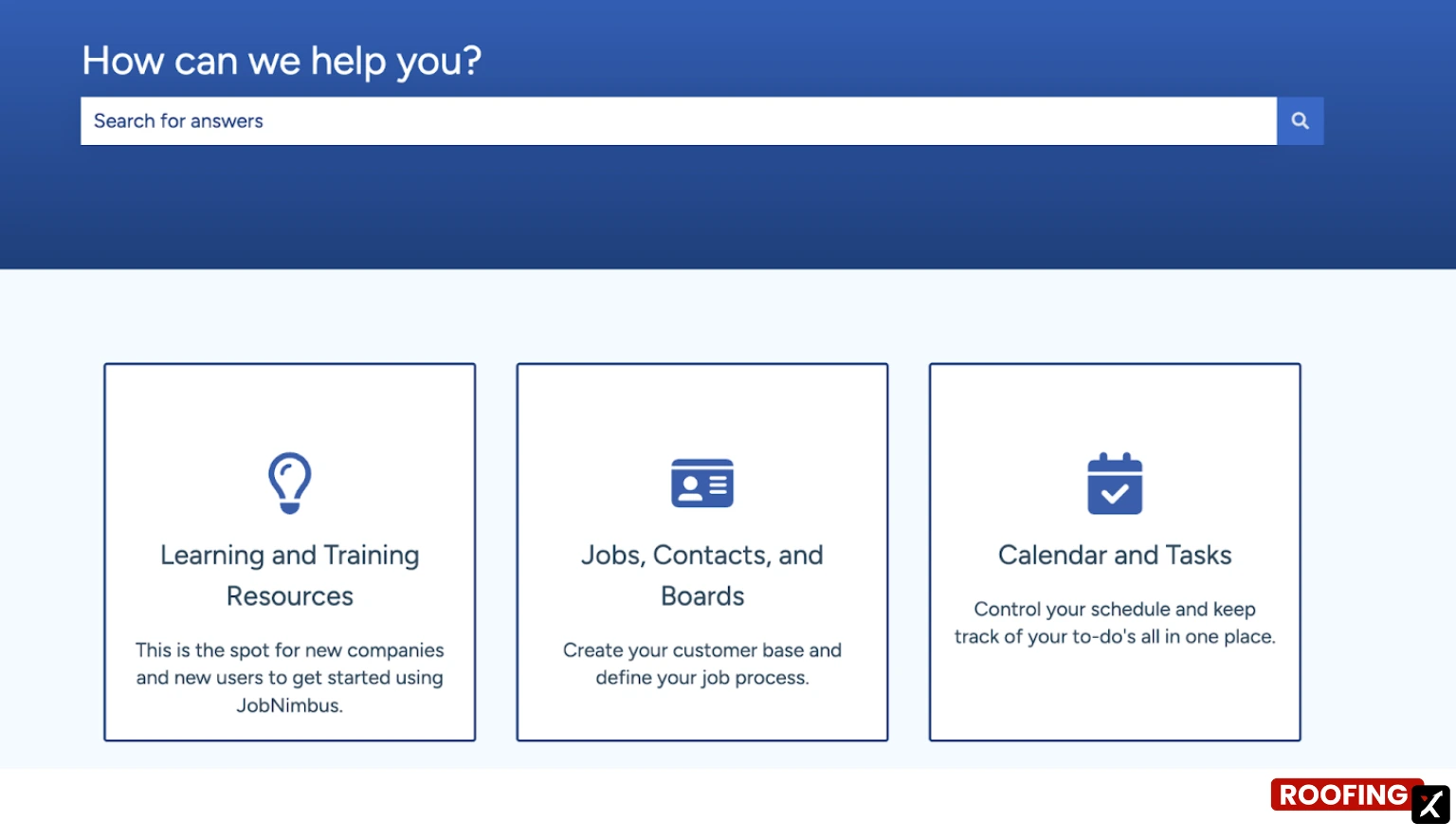
It’s customizable without being overwhelming. Most teams can get started quickly with default workflows, then layer in complexity over time. Web and mobile apps are mature, and documentation plus partner resources help shorten the learning curve (all public).
Summary of Real User Reviews
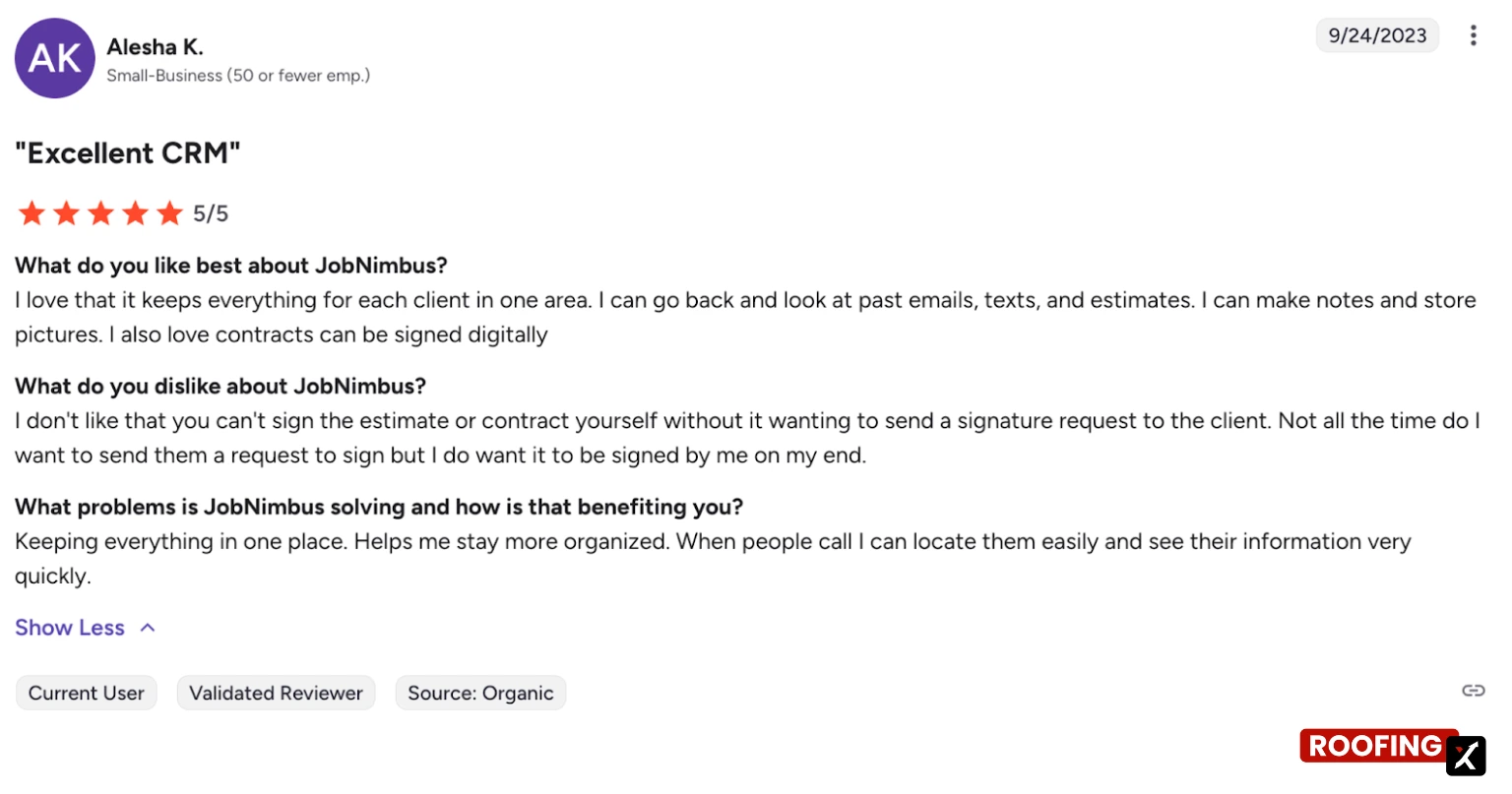
Users like how JobNimbus centralizes customer data, tasks, photos, and contracts, especially with visual job boards and solid integrations. Many praise ongoing feature updates. Common complaints include limitations in automation, QuickBooks sync reliability, mobile app bugs, frequent UI changes, and inconsistent support response times, especially for complex issues.
Pricing
Pricing is not publicly listed and is provided upon request, usually based on company size, features, and required integrations. What users typically report:
- Plans: Growing > Established
- Implementation time: ~2 months
- Average ROI timeline: ~16 months
- Relative cost: ~33% less than the average construction project management tool
- Discounts: Around 7% on average
Higher tiers unlock deeper reporting, unlimited automations, advanced custom fields, expanded integrations, and API access.
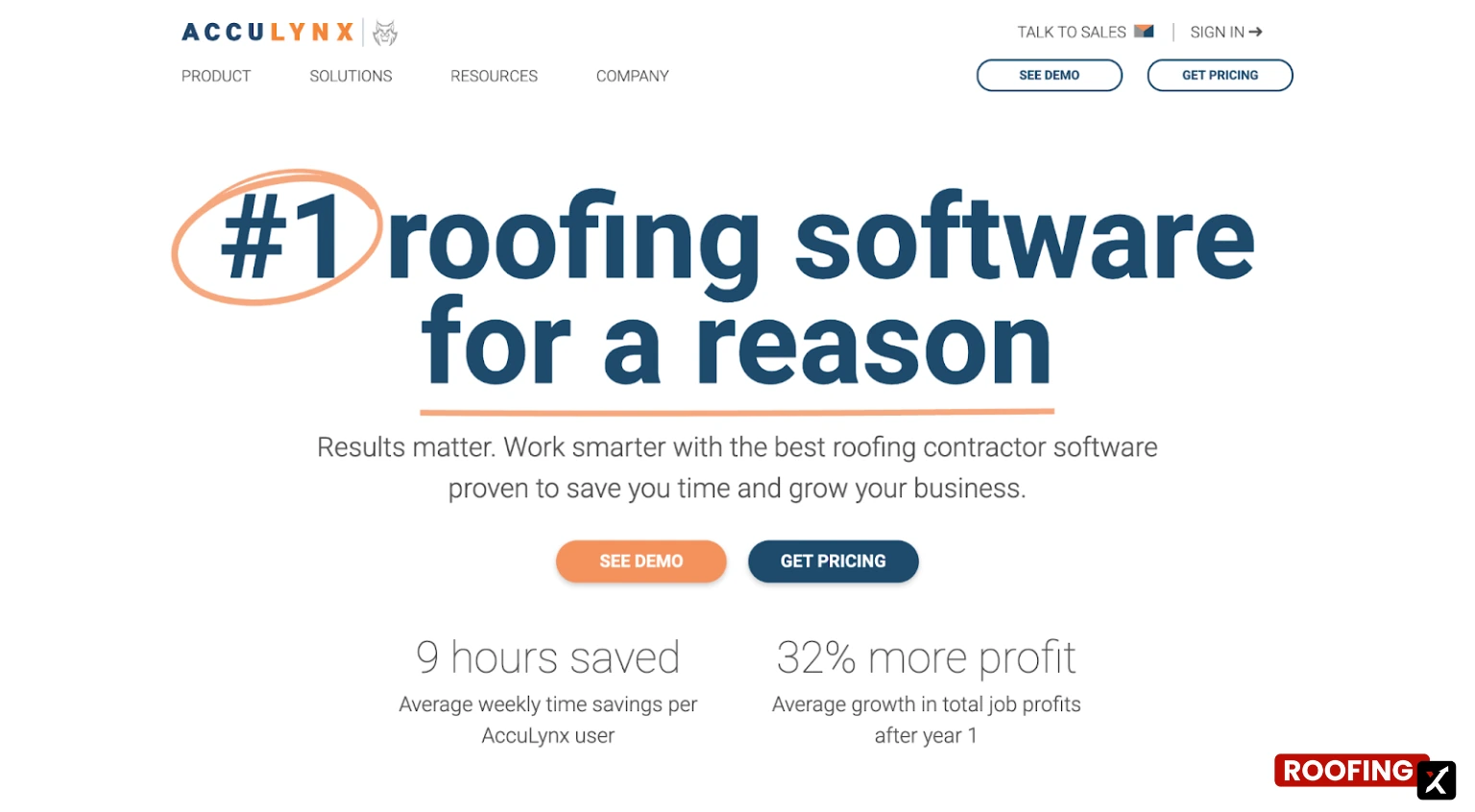
4. AccuLynx - Best for Production Tracking
- Founding Year: 2008
- Headquartered in: Beloit, Wisconsin, USA
- Number of Integrations: 15+
- Starting Price: Request pricing (custom quotes)
- G2 Rating: 4.3/5 (34 reviews)
Best for: Established small-to-large roofing companies that want a deep, roofing-only platform and are willing to invest time in training to standardize operations on a single system.
Main CRM Functions/Products
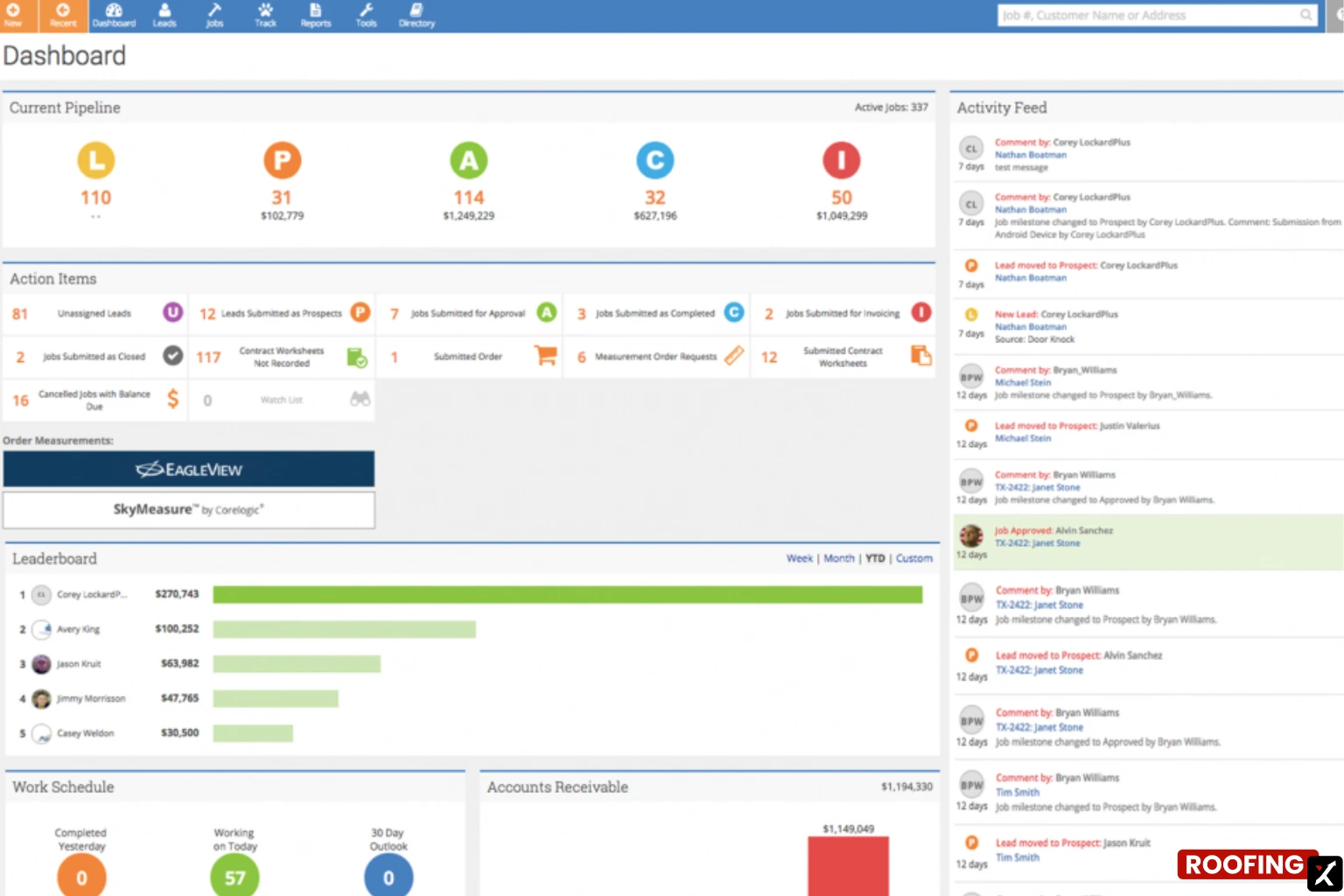
- Contact & Lead Management
- Document & Media Management
- Estimates & Contracts
- Aerial Measurements
- Email & Text Messaging
AccuLynx CRM Interface
Ease of Use & Documentation
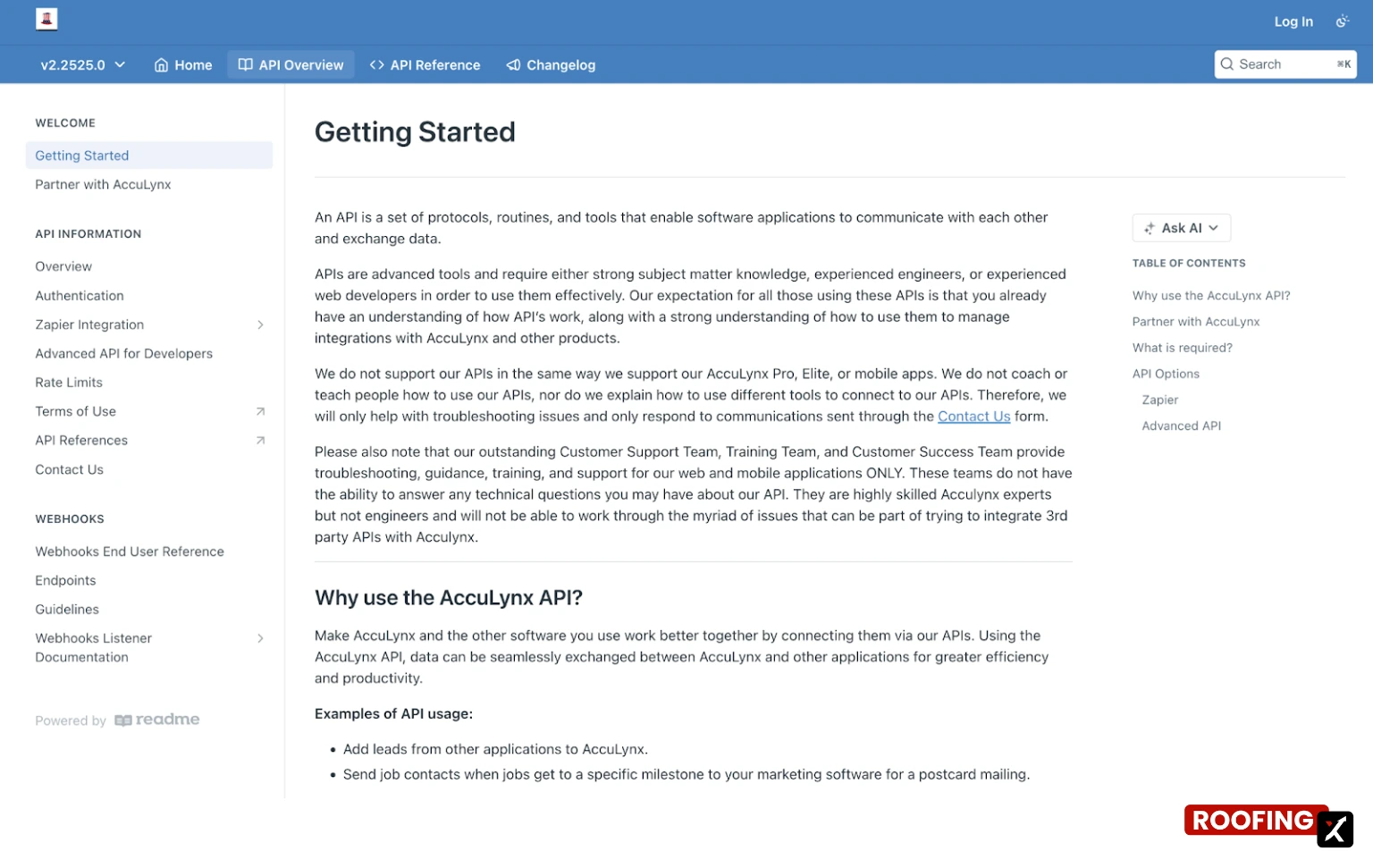
There’s a learning curve; that’s why there is extensive support documentation online. AccuLynx packs in a lot of functionality, which means onboarding takes time. That said, training resources and documentation are solid, and teams that invest in setup tend to benefit from consistent, standardized workflows.
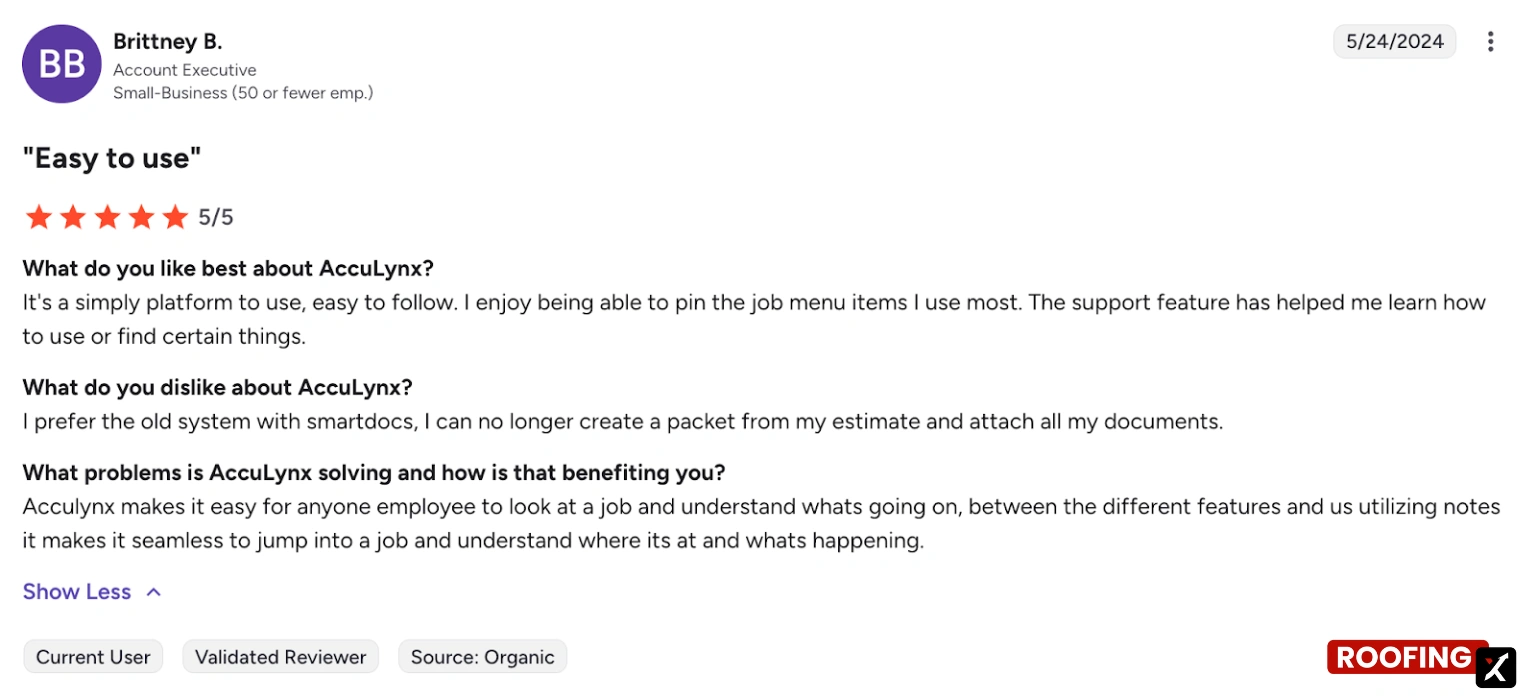
Summary of Real User Reviews
Users like AccuLynx’s roofing-first design, estimating templates, pipeline visibility, and the ability to keep communication, photos, and documents tied to each job. Support is often described as helpful. Criticism centers on updates that introduce bugs or UI disruptions, discontinue features, provide limited real-world examples in training, and have inconsistent integrations, especially QuickBooks- and Zapier-related workflows.
Pricing
AccuLynx does not publish pricing publicly. Costs are customized based on company size, team structure, and feature needs, with demos available to help match businesses to the right plan.
Typical plan structure:
- Core Plan: All-in-one roofing CRM essentials (leads, estimating, scheduling, documents, reporting)
- Advanced Plan: Everything in Core, plus expanded automation, deeper reporting, enhanced integrations, and advanced workflows for growing teams
5. CompanyCam - Best for Photo Documentation
- Founding Year: 2015
- Headquartered in: Lincoln, Nebraska, USA
- Number of Integrations: 20+
- Starting Price: $79/month (Pro, billed annually, includes 3 users)
- G2 Rating: 4.6/5 (29 reviews)
Best for: Roofing companies of any size that already use a CRM but want better field documentation, clearer communication, and a shared visual record of every job, without replacing their existing system.
Main CRM Functions/Products
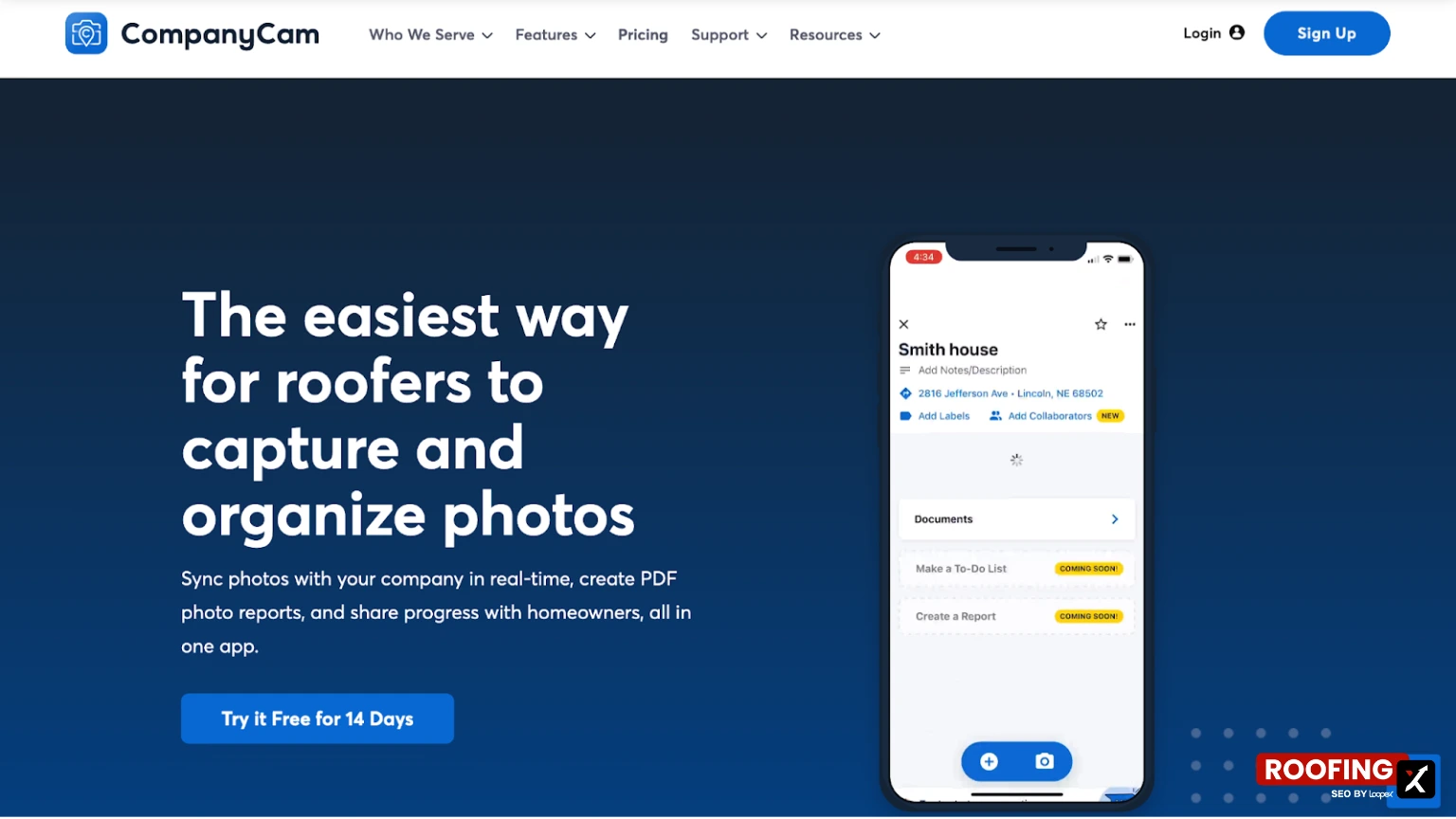
- Photo & Video Capture
- Annotations & Updates
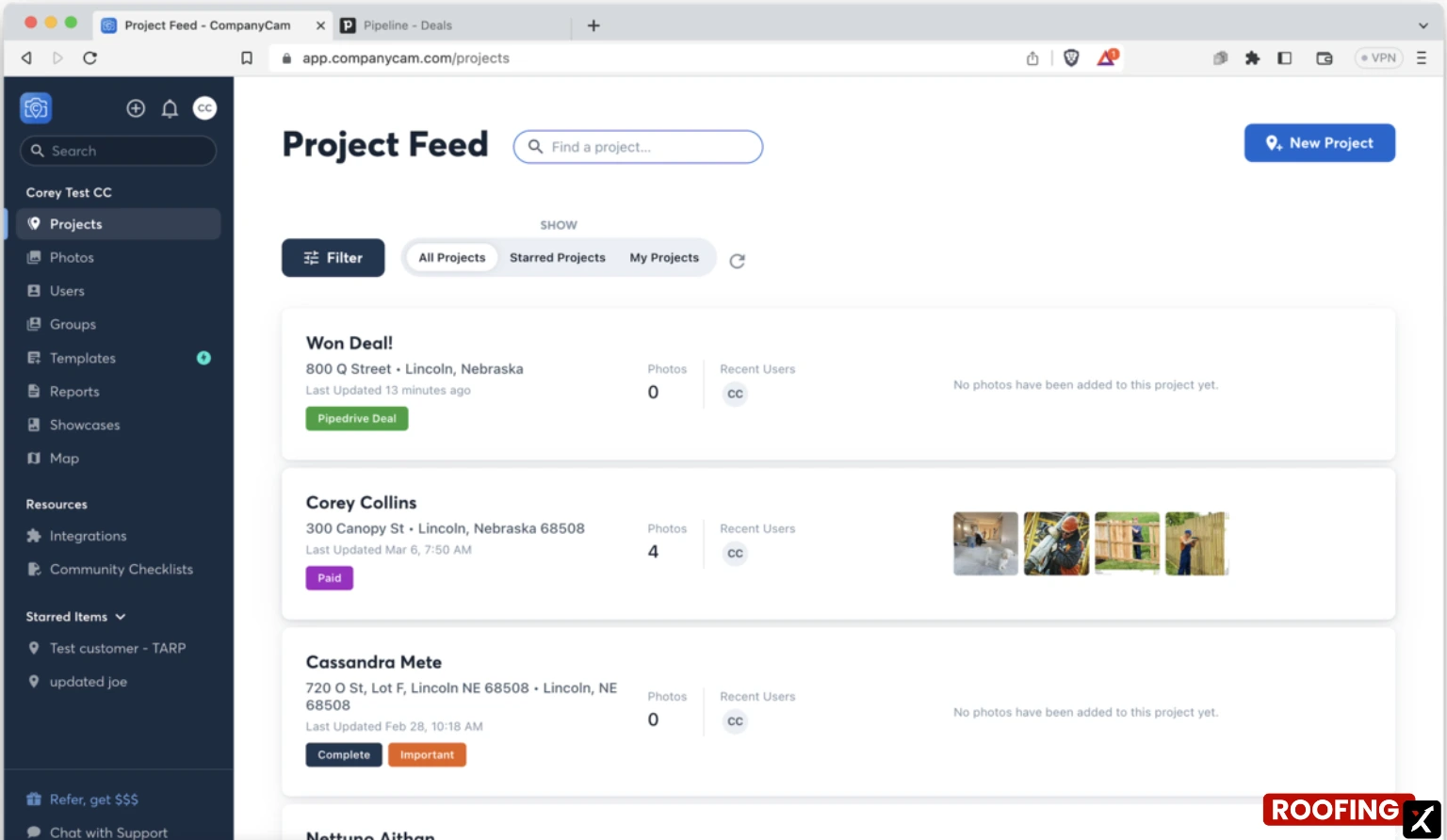
- Project Feed & Galleries
- In-App Communication & Team Collaboration
- Tags & Labels
- Job Site Documentation & Tracking
- Integrations
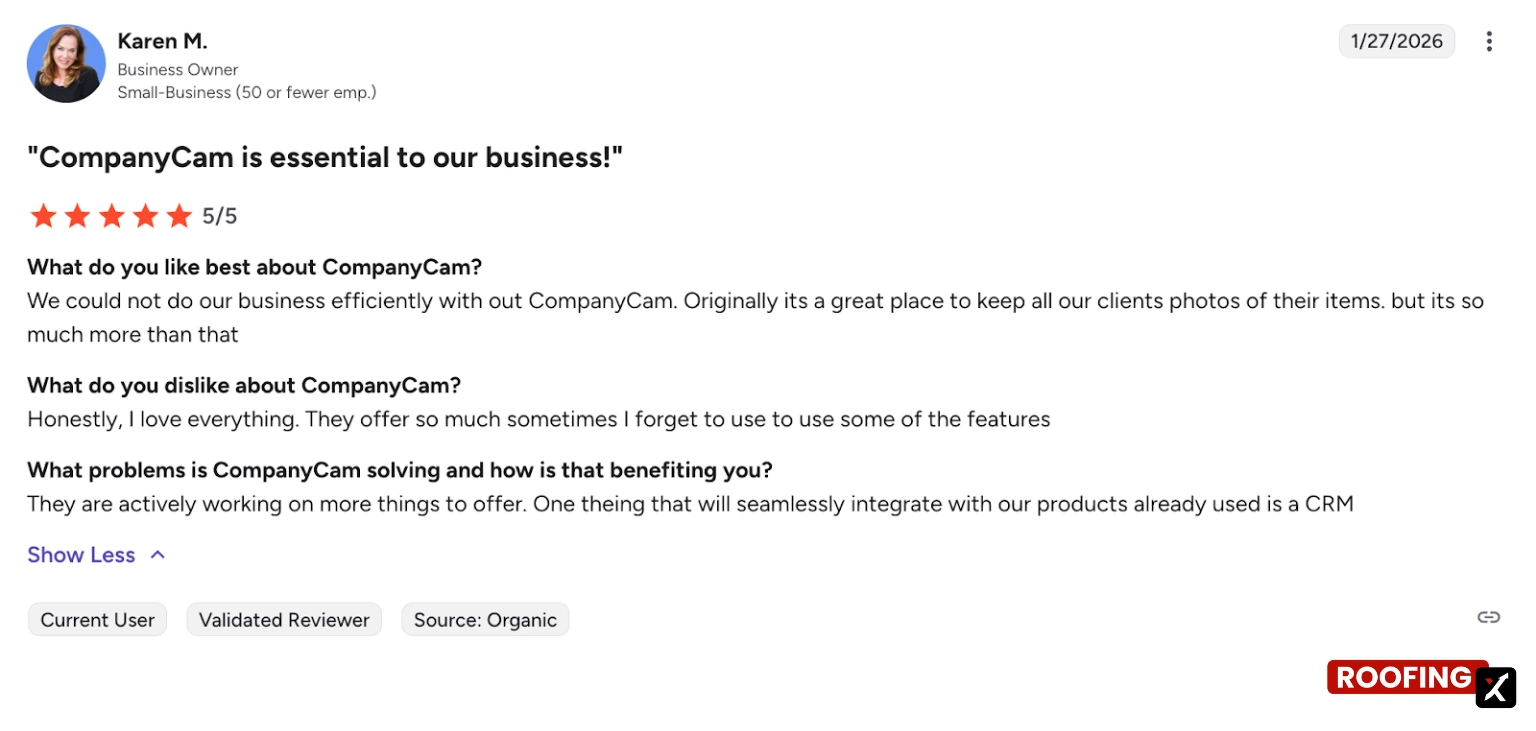
CompanyCam CRM Interface
Ease of Use & Documentation
This is one of CompanyCam’s biggest strengths. It’s mobile-first, intuitive, and focused. Many teams report learning the basics in under 30 minutes and becoming productive the same day.
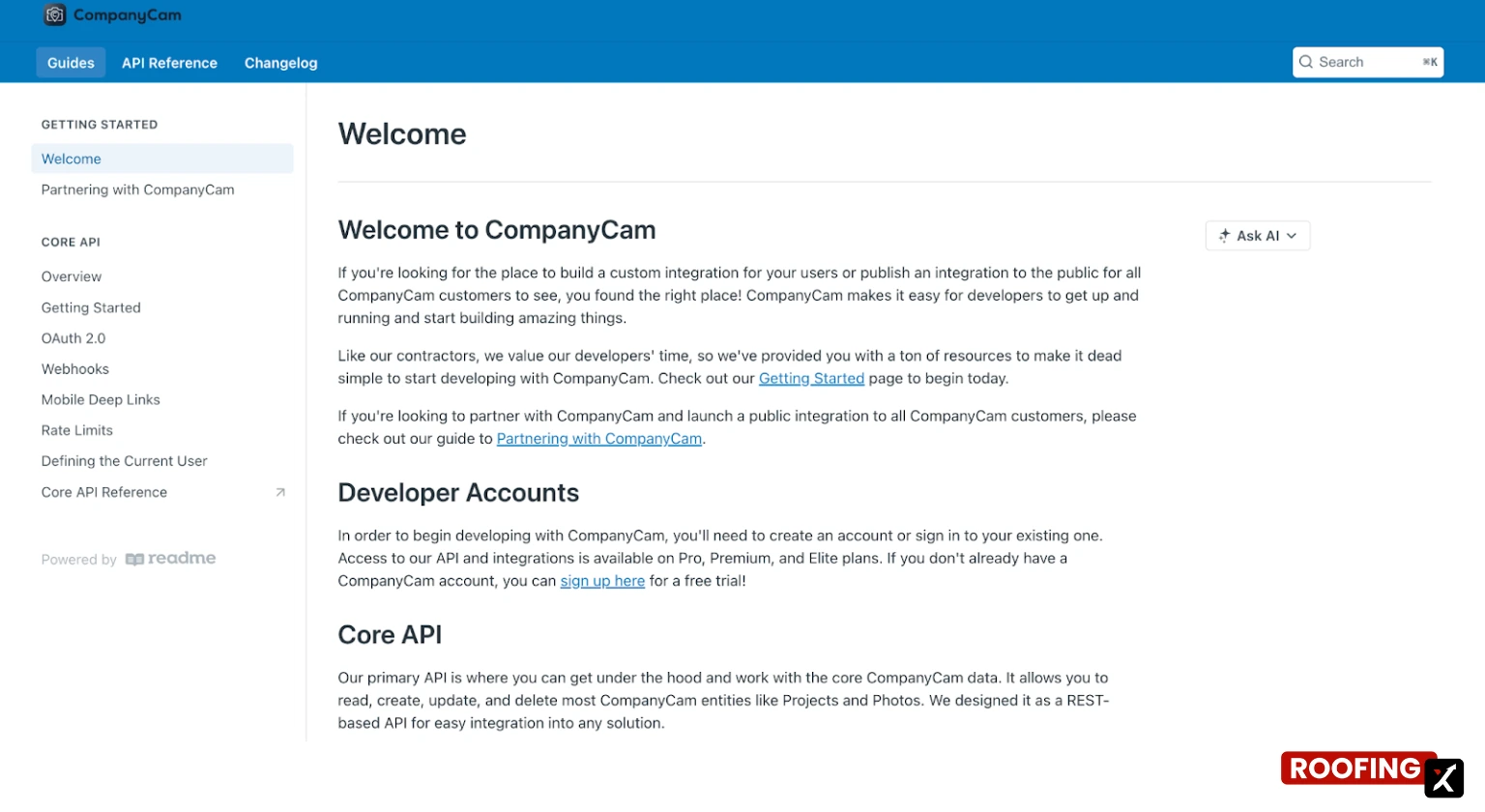
The detailed documentation is public (for CRM and its API as well).
Summary of Real User Reviews
Users consistently praise CompanyCam for unlimited photo storage, automatic organization, annotations, AI-assisted capture, and seamless collaboration between the field and the office. It’s widely used for audits, training, and client-ready reports. Downsides are relatively small: occasional app slowdowns, reliance on a good internet connection, navigation quirks, limited ERP-level integrations, and pricing that can feel high for very small teams.
Pricing
CompanyCam has clear, public pricing, billed annually, with additional users priced separately.
Additional users are $ 29 per user/month across all plans.
6. Roof Chief - Best for Estimating Workflows
- Founding Year: 2013
- Headquartered in: Camarillo, California, USA
- Number of Integrations: 3+
- Starting Price: $249/month (Solo plan)
- G2 Rating: 5.0/5 (3 reviews)
Best for: Small to mid-sized roofing companies seeking a dedicated roofing CRM with robust estimating and production tools, transparent pricing, and hands-on support.
Main CRM Functions/Products
- Mobile-Friendly Access
- Job Site Documentation
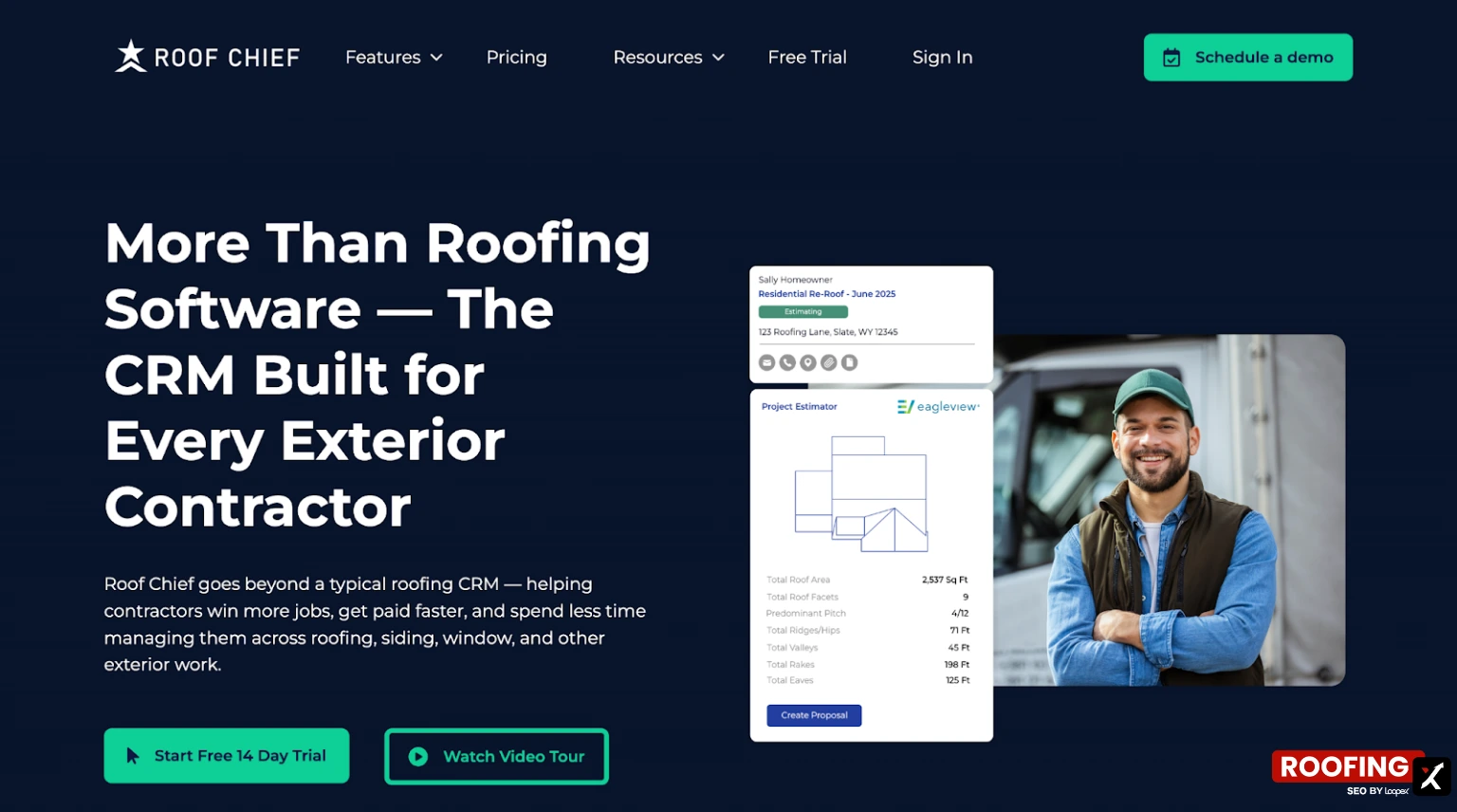
- Instant Proposals
- Dashboards & Reports
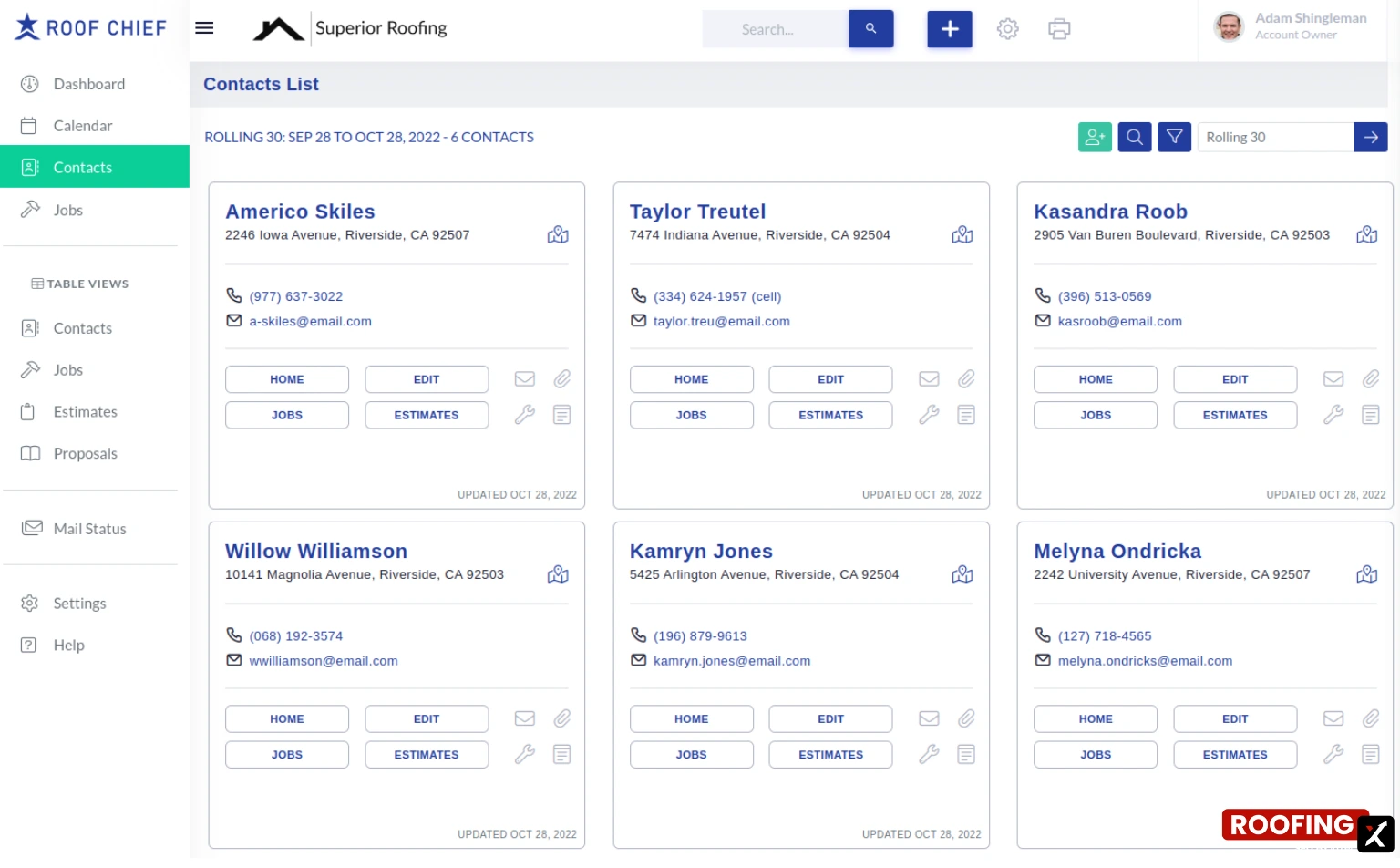
- Lead Management
- Customer Portal
- Estimating & Quick Quotes
- Customized Proposals
- Job & Task Management
- Invoicing, Payments & Financing
Roof Chief CRM Interface
Ease of Use & Documentation
The platform is built specifically for roofers, as evidenced by the workflows. Free onboarding and implementation help teams get live quickly, and most users report that the system feels intuitive rather than overwhelming.
User support documentation is not publicly available, but they have some open resources that explain the functionality more (good to review before you purchase).
Summary of Real User Reviews
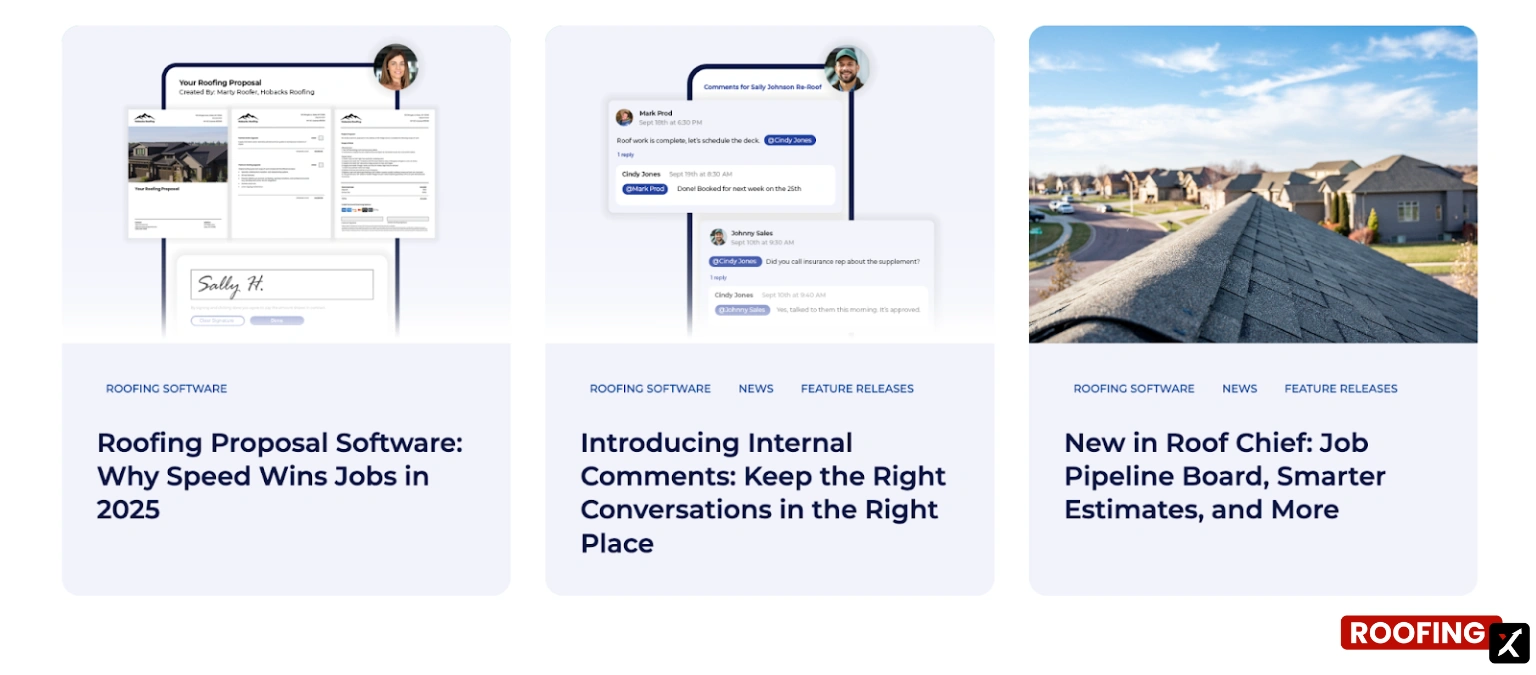
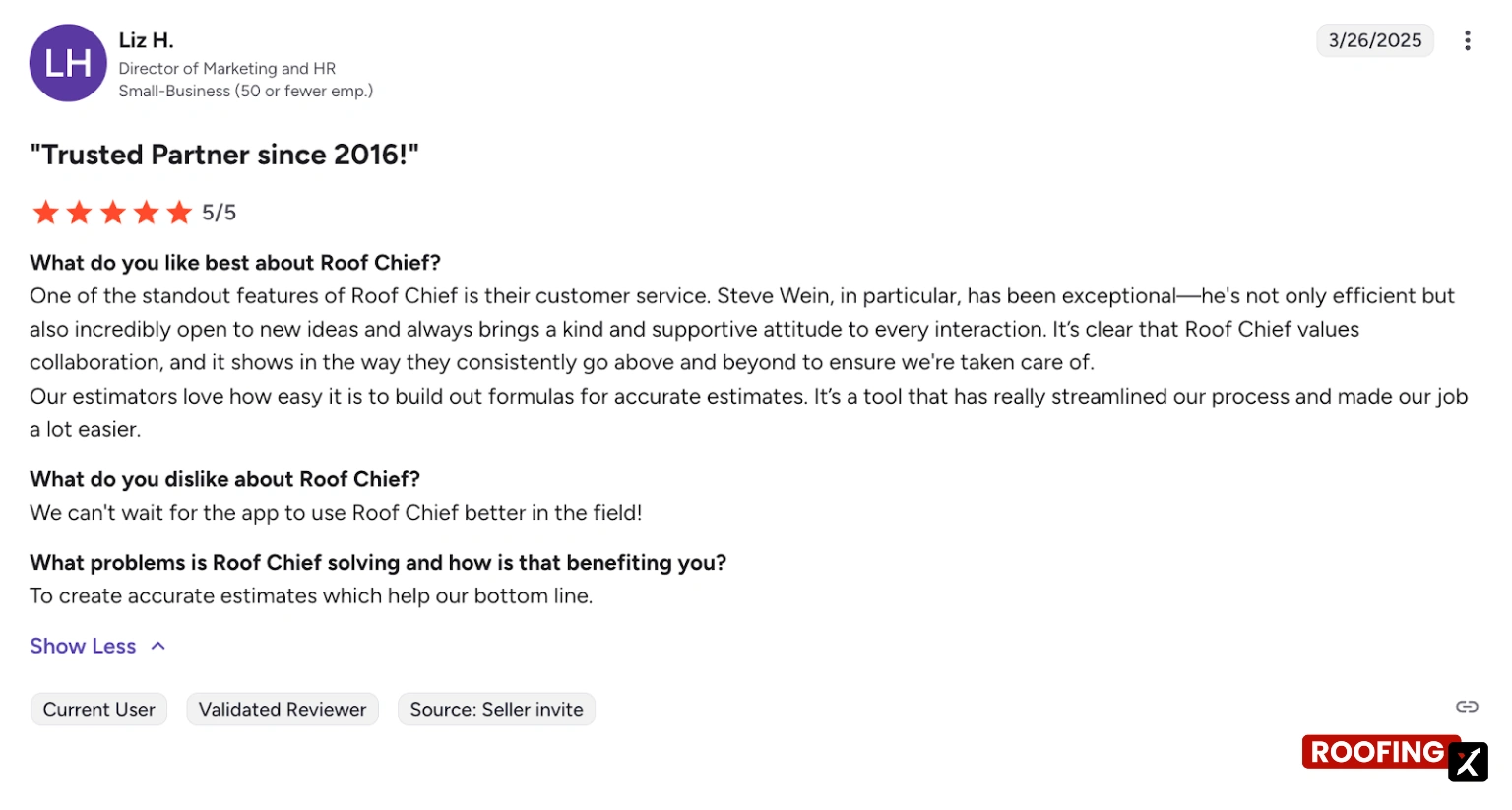
Reviews consistently describe Roof Chief as reliable, easy to use, and genuinely supportive. Estimating speed and workflow clarity are frequent highlights. Support is a major differentiator—users mention fast responses, real collaboration, and a willingness to listen to feature requests. Downsides are rarely noted in available reviews, suggesting high satisfaction among current users.
Pricing
Roof Chief publishes transparent, flat monthly pricing, which is unusual in this category.
7. ProLine - Best for Sales Follow-Up
ProLine Key Information
- Founding Year: 2003
- Headquartered in: Atlanta, Georgia, USA
- Number of Integrations: 15+
- Starting Price: $497/month (“Good” plan)
- G2 Rating: Not publicly available
Best for: Residential and retail-focused roofing companies with minor to mid-sized teams, where communication, speed, and consistent follow-up are the primary growth bottlenecks, and where automation can directly turn missed leads into booked jobs.
Main CRM Functions/Products
- Rep-Level Automations
- Sales Team Automation
- Production Scheduling & Management
- Native Integrations
- Performance Tracking
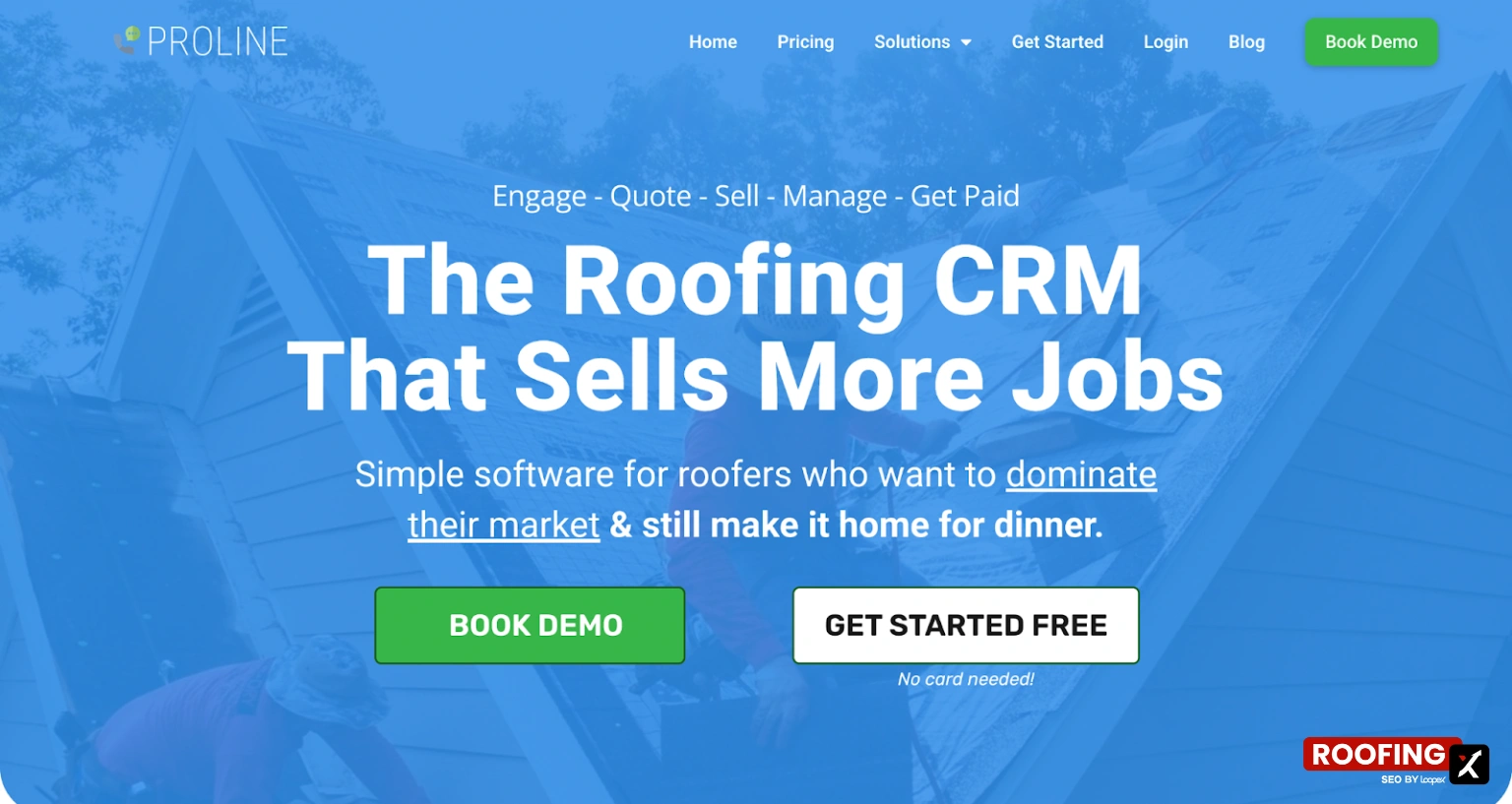
ProLine CRM Interface

Ease of Use & Documentation
The interface is clean and intentionally simple. Automations and AI tools are built to remove manual work. The PRO credits system is well explained, and setup is handled mainly for you.
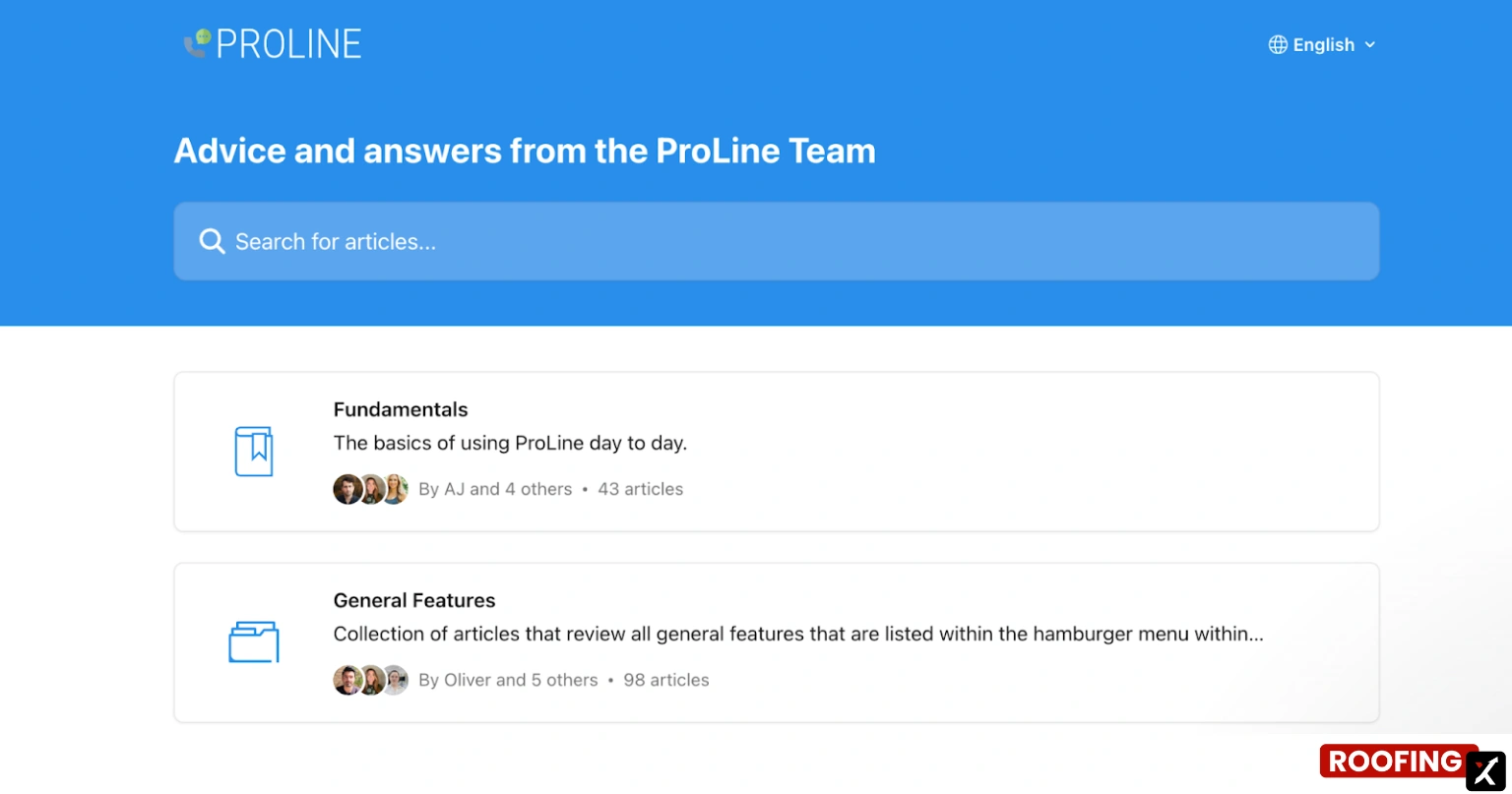
They have a well-presented documentation from the ProLine Team that roofers can use to get the answer they want.
Summary of Real User Reviews
While formal review scores aren’t yet widely published, user feedback and marketing materials emphasize faster response times, higher lead contact rates, and reduced manual follow-up.
Pricing
ProLine offers transparent, tiered pricing, with all plans including a done-for-you setup.
How to Choose the Best Roofing CRM Software?
After talking to a lot of roofers and reading plenty of honest, unfiltered discussions online, one thing comes up again and again: bigger isn’t always better, especially at the start. If you’re a very small team of roofers, a complex CRM can slow you down more than it helps. Starting simple is often the most brilliant move.
If you’re choosing between the best CRM for roofing companies on this list, focus on fit over features. Match the software to your company size, sales volume, and job flow. Pay attention to onboarding effort, how well it handles estimating and follow-up, and whether it can grow with you later. The right CRM should support your process, not force you to change it.
Bottom Line
The best roofing CRM software is the one that matches your company’s size and workflow, not the one with the longest feature list. The best CRM for roofing companies helps you move faster, stay organized, and scale without adding friction.
If you need help scaling your roofing business, feel free to reach out. We’re always here to support you.


.webp)